
- Veröffentlicht
- Aktualisiert
- Aktualisiert
- Lesezeit
- 7 Min. Lesezeit
Digital Menu Boards for Restaurants: A Buyer's Journey
Discover how to choose digital menu boards for restaurants: key specs, costs, integration tips, and common pitfalls. Get expert advice and a quote.
Auf dieser Seite
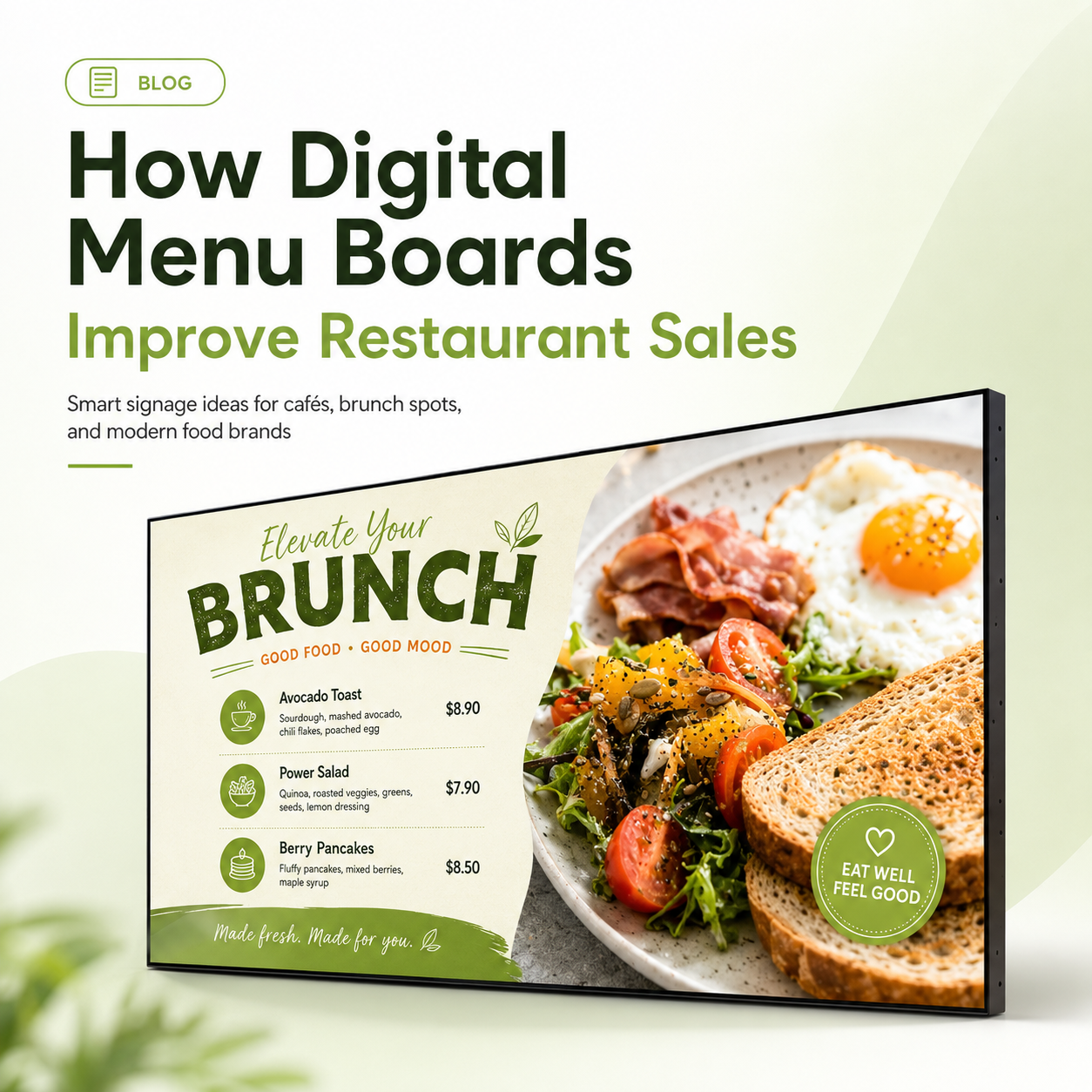
Digital menu boards for restaurants replace static printed menus with commercial LCD displays that you update remotely in minutes instead of days. They let you change prices, push daily specials, and run motion-based upsells from a single content dashboard. The decision shifts from recurring printing labor to content agility and upselling capability — the real ROI driver — so the purchase question is not “which screen” but “what will you change and sell with it.”
From Static Paper to a Live Pricing and Upsell Channel
A digital menu board is a buying decision unlike any kitchen equipment purchase. A fryer or cooler earns its keep by doing one job reliably. A menu board only earns its keep if you have the content workflow and price-update discipline to use it — and a store layout where guests can actually read it. That difference drives every decision in this guide.
The restaurants that fail with menu boards are rarely the ones that bought the wrong screen. They are the ones that bought a screen without first mapping their menu-update pain, chose software that cannot talk to their POS, or hung a display where daylight and counter glare wash it out. This guide walks you through the buying journey in four phases so you avoid those outcomes.
Week 1 — Map Your Menu and Promotion Pain Before Comparing Hardware
Before you open a spec sheet, quantify what static menus cost you today.
- Update frequency. How often do you change prices, remove sold-out items, or rotate limited-time offers? Count the manual labor per store per change — printing, distribution, and disposal.
- Promotional needs. Do daily specials, cross-sells, or daypart menus (breakfast to lunch) exist that a static board simply cannot support?
- Order-line pressure. Is readability at the counter or drive-thru a bottleneck during peak hours? A board that is hard to scan slows throughput.
- Error cost. What does a wrong printed price cost you in voided orders or customer friction?
Write these answers down. They become the questions you put to vendors in writing — following a disciplined vendor question timeline is the cheapest insurance you will buy. If a vendor cannot explain how content updates and daypart scheduling work in their system, that is a signal, not a detail.
Weeks 2–4 — Hardware Specs That Earn Their Keep in a Restaurant Environment
Three specs decide whether a board is readable in your actual store: brightness, durability, and media player architecture. Resolution matters less than most buyers assume — 1080p is ample for text-driven menus; choose 4K only if your content is rich media-heavy.
The table below frames the comparison as criteria to verify against a datasheet, not as a set of claims. Ask each shortlisted vendor to confirm the values for the exact panel they quote.
| Criterion | Small café (shaded indoor) | Standard counter / drive-thru | Window-facing or bright storefront |
|---|---|---|---|
| Brightness | 250–400 nits typical | 500–700 nits typical | 1000+ nits; confirm up to 2500 against direct or reflected daylight in your location |
| Resolution | 1080p is sufficient for text menus — reserve 4K for video-heavy content | ||
| Operating temperature | Verify the panel’s rated range; kitchen heat and direct wall sunlight raise panel temperature | ||
| Protection | Look for dust sealing (IP-rated); front-of-counter units need scratch-resistant, anti-glare glass | ||
| Compliance | Confirm UL/CE certification and RoHS/energy documentation at the model level, in writing, before purchase | ||
Then think about player architecture:
- External media player. More flexible and easier to swap when it fails; adds a component to manage per screen.
- System-on-Chip (SoC) display. Lower hardware cost and fewer failure points; you inherit the panel maker’s software roadmap.
- Decision point: one or two screens and a small team usually favor SoC. At chain scale with a dedicated ops team, external players give more control.
Buying a consumer TV because it is cheap is the most common and most expensive error — for 24/7 duty, why most LCD signage buyers get it wrong is worth reading before you commit.
Weeks 4–8 — Software and POS Integration Decide the Real ROI
The screen is the commodity; the software is the investment. Evaluate three capabilities in a live demo, not a brochure.
- Cloud CMS with location-level control. If you operate more than one site, can you push a price change to all screens in one action, or do you touch each device individually? Multi-location scheduling and daypart rules belong on your requirement list — this maps directly to the cloud CMS versus USB migration decision every multi-site operator faces.
- POS/EPOS integration. Real-time price sync, sold-out markers, or register-keyed suggestive upsells are the features that turn a display into a sales tool. Ask, in writing, which POS systems are certified — not merely “compatible” — with the platform. Square, Toast and similar systems are commonly referenced; verify the exact certified integrations for your own stack.
- Content workflow. Who edits the menu each week? If the tool requires a designer, the board will go stale. Pre-built menu templates that a shift manager can update are the practical differentiator.
- Licensing model. Per-screen, per-location, or per-year — get the total software cost over 36 months in writing before you compare it against printing costs.
Week 12 — Total Cost of Ownership and the 30-Day Pilot
Build a five-year total-cost model that includes hardware, installation, software licensing, content production, networking, and power. Compare it against your current static printing line item — most operators find the printing line is larger than they estimated.
Then resist the urge to roll out everywhere at once. Run a 30-day pilot in one high-traffic location. During that window, measure your own numbers: average ticket, order accuracy, and how often prices are actually updated. Ask your vendor for reference deployments with named customers and audit those references yourself. Uplift claims are only meaningful when measured in your mix, your store, and your dayparts — any vendor who cannot walk you through their own measurement method should raise a flag.
Small Independent vs. Regional Chain: Where the Criteria Shift
- Small independents should favor the lowest total cost for one to three screens, simple template-based CMS, and SoC displays. The decision hinges on whether you will actually use the content workflow weekly.
- QSR chains should let centralized content management, POS integration depth, and remote monitoring of hundreds of screens drive the decision — per-unit hardware cost is secondary to operational leverage.
Four Mistakes That Turn Menu Boards Into Expensive Wall Art
- Buying consumer TVs. They lack 24/7 commercial duty ratings and proper warranties, which leads to burn-in and early failure in food-service environments.
- Skipping the content owner. No one assigned to weekly edits means stale boards customers stop watching within a month.
- Under-specifying brightness. A washed-out board near a window is worse than no board — guests cannot read it and lose trust in your pricing.
- Ignoring POS integration. You save integration effort but lose dynamic pricing and upsell automation, which is the entire ROI case.
Digital Menu Boards for Restaurants: FAQ
How much does a digital menu board cost for a restaurant?
Cost depends on screen size, brightness, software licensing, installation, and content production. A hardware quote is meaningless until you add software over 36 months and your content workflow. Request itemized pricing for hardware, CMS licensing, and installation separately, then compare against your printing budget.
What brightness do I need for a restaurant menu board near a window?
Boards facing direct or reflected daylight typically need 1000 nits or higher to stay readable; shaded indoor counters can run at 500–700 nits. Brightness is not a fixed industry number — it depends on your storefront orientation and light levels, so ask the vendor to confirm readability under your actual lighting or provide a demo unit.
Can digital menu boards integrate with my existing POS system?
Many platforms integrate with common POS systems, but “integration” varies from manual price exports to real-time sync and automated upsells. Ask the vendor for the certified integration list covering your specific POS, and test the sync during your pilot before scaling.
Are digital menu boards worth it for small coffee shops?
For a one- or two-screen café, the case depends on how often you change prices and promos and whether you will maintain the content. If you update specials weekly and want daypart menus, a single SoC display with a simple CMS can pay for itself against printing and labor — but only if someone owns the weekly edit.
Next Step — Request a Digital Menu Board Quote for Your Restaurant
The buying journey is a process, not a product search. Map your menu pain in week one, verify brightness and durability against a datasheet in weeks two to four, pressure-test software and POS integration in weeks four to eight, and pilot for 30 days before you scale.
When you are ready, request a digital menu board quote for your restaurant and bring your store measurements, your menu-update frequency, and your POS model. A 30-minute consultation on layout, brightness, and software fit — starting with a floor-standing display sized for counter or lobby placement — will tell you faster than any spec sheet whether the investment earns its keep in your operation.
Wintouch Engineering-Team
Our commercial-display engineers and product team review specifications against current factory records, deployment requirements and published standards. Learn more about our Engineering-Kompetenz und Fertigungsbetrieb.
Weiter recherchieren
Product facts and engineering claims follow our data and editorial policy.
Fragen zu Ihrem Einsatz?
Teilen Sie unserem Engineering-Team Umgebung, Bildschirmgröße und Integrationsanforderungen mit.