
- Publicado
- Tiempo de lectura
- 6 min de lectura
Retail Digital Signage: How Stores Use LCD Displays to Increase Sales
Retail digital signage only pays back when the right format sits in the right position. This guide maps wall-mounted vs floor-standing LCD displays to promotions, seasonal campaigns, window advertising and interactive engagement — with the specs to lock before you order.
En esta página
Quick answer: Retail digital signage increases sales by putting the right message in the buyer's line of sight at the moment of decision — promotions at the shelf, seasonal campaigns at the entrance, window advertising for passing footfall. Wall-mounted LCD displays suit shelf-edge and category messaging; floor-standing displays suit entrances, window zones and interactive self-service. The format must match the position: a 43" wall panel in a window wastes half its brightness, and a floor-standing unit in a narrow aisle blocks the very traffic it is meant to convert.
Why retail signage fails before the content does
Most retailers treat digital signage as a content problem. It is almost always a placement and specification problem. A screen that is too dim for the window, too tall for the aisle, or installed at 2.2 m so it sits above eyeline will underperform no matter how good the creative is.
The three failure points to design out before you order:
- Position mismatch — window zones need high brightness and anti-glare treatment; shelf areas need smaller panels at eye height and close viewing distance.
- Duty cycle — a store screen runs 10–14 hours a day, often longer during seasonal peaks. Commercial panels are rated for this; consumer TVs are not, and they fail by year two.
- Content operations — if updating a campaign requires a technician on site, it will not happen weekly. Remote CMS is what makes seasonal promotion economics work.
Matching formats to retail positions
| Position | Recommended format | What it is used for | What breaks first if under-specified |
|---|---|---|---|
| Store window (street-facing) | Floor-standing, high-brightness | Window advertising, opening hours, seasonal hero campaign | Washed out in daylight; glare makes the promotion unreadable |
| Store entrance / vestibule | Floor-standing 43"–55" | Welcome, wayfinding, new-arrival teasers | Blocked traffic, tripping hazard if footprint is too wide |
| Shelf edge / category zone | Wall-mounted 21.5"–32" | Price promotion, product comparison, cross-sell | Panel mounted above eyeline; power and network not provisioned |
| Promotional end-cap | Wall-mounted 43"–50" | Seasonal campaign loop, bundle offers | Content staler than the offer; no CMS, so daily price changes are manual |
| Customer service / fitting point | Touch-enabled floor-standing | Interactive displays, product lookup, queue diversion | Touch latency and no software update path |
| High ceiling / large atrium | Wall-mounted 65"–75", 4K | Brand campaign, category storytelling | Viewing distance too long for the resolution chosen |
Product promotions: the shelf-edge case
Promotion screens work because they collapse the distance between the offer and the purchase decision. A wall-mounted panel at the category zone can carry a price promotion, a comparison against the previous model, and a stock-level cue in a single loop — and change all three from a browser the morning the promotion starts.
Two specification points decide whether this actually delivers:
- Viewing distance and size. At 1–1.5 m shelf distance, a 21.5"–32" panel is already immersive; a 55" panel at that distance is uncomfortable and gets ignored. Match size to distance, not to the hole in the wall.
- Mounting height and power. Centre the panel at 1.4–1.6 m. Confirm a power outlet and network drop exist at that point before the wall goes up — retrofitting conduit costs more than the display.
Our 21.5", 27" and 32" wall-mounted digital signage are the sizes that recur in this role. All run Rockchip RK3566 with Android 11 (Debian 11 also available), 2 GB RAM (4 GB optional) and 32 GB storage (64 GB optional) — enough headroom for a multi-zone CMS layout without a media player bolted to the back.
Seasonal campaigns: why remote updates decide the ROI
A seasonal campaign is only seasonal if it changes on schedule. Black Friday, back-to-school, Lunar New Year, end-of-season clearance — each has a two-to-four week window, and each needs different creative on different screens.
This is where a commercial panel with onboard Android and a CMS agent separates from a screen with a USB stick taped to it. The practical requirements:
- The CMS must reach the display remotely, per screen or per group.
- Switching content must not require a site visit or a reboot.
- Scheduling must support date ranges, so the campaign ends itself.
- PoE or a single power run per unit, so multi-screen rollouts stay clean.
Ask for the CMS integration method in writing. A display that only plays local files will cost you every campaign you fail to run.
Window advertising: brightness is the whole game
A window screen competes with direct sun and street reflections for most of the trading day. Indoor panels at 350–500 nits lose contrast in daylight and read as grey rectangles. High-brightness panels at 2,500–5,000 nits, with anti-glare or anti-reflective glass, hold their contrast — that is the difference between a window display and a sunlit poster.
Window-facing formats need four decisions locked before purchase:
| Decision | Why it matters | Red flag to watch for |
|---|---|---|
| Brightness (nits) | Direct sun needs 2,500–5,000 nits; shaded windows 1,500–2,500 | Vendor quotes indoor nits and calls it "high brightness" |
| Glass treatment | AG cuts glare, AR cuts internal reflection — window installs usually need one of them | No surface treatment specified at all |
| Automatic brightness control | Keeps the unit readable at noon and comfortable at night, and saves panel life | Fixed brightness only; no ambient light sensor |
| Thermal design | High brightness generates heat; a sealed case in a sunny window overheats | No duty rating or thermal spec on the datasheet |
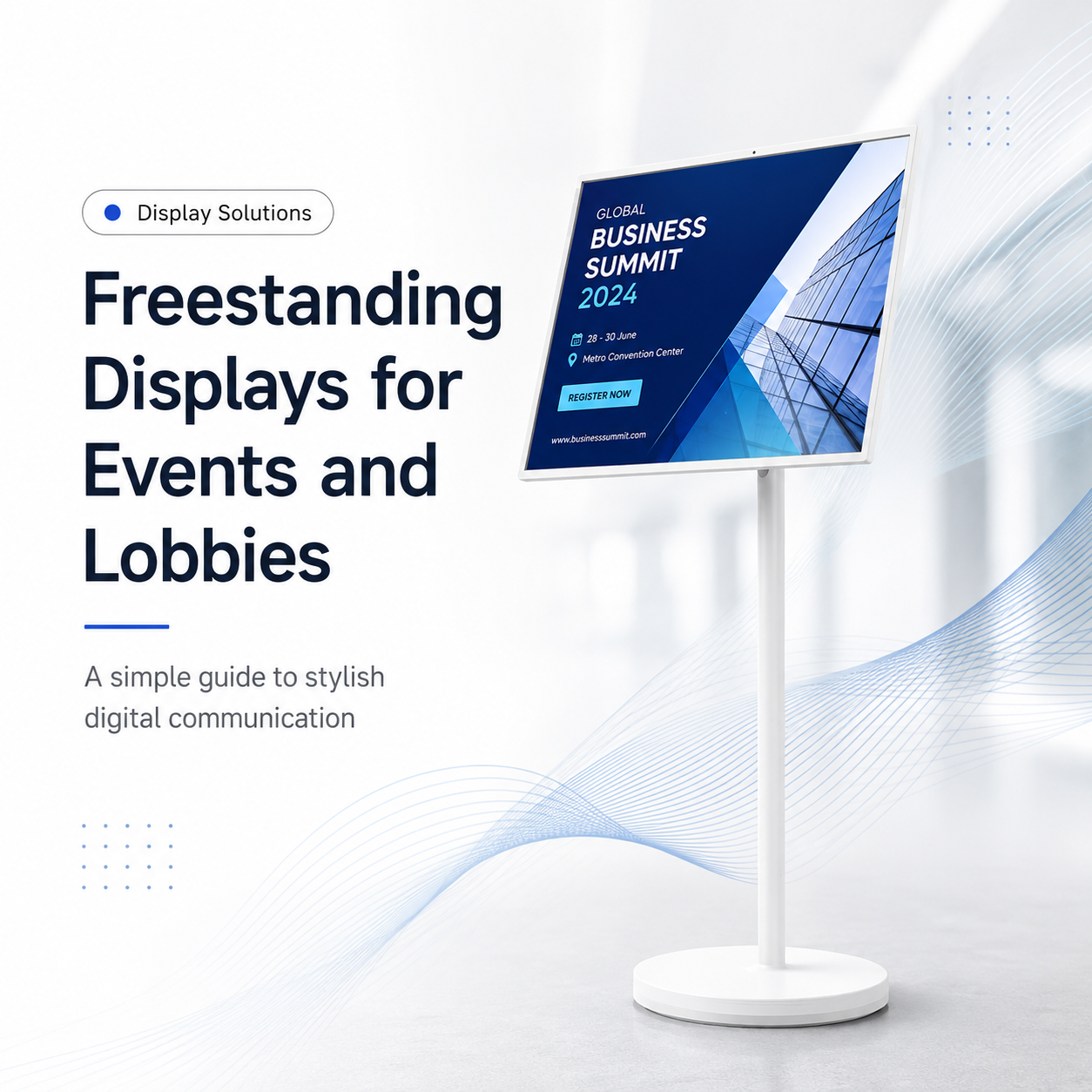
For storefront windows, a 55" floor-standing digital signage unit is the usual starting point — it presents at standing eyeline to passing traffic and carries the footprint that reads as deliberate retail display rather than a repurposed monitor. For entrance and mid-store positions, the 43" floor-standing format tends to fit better without crowding the aisle.
Interactive displays and customer engagement
Interactive retail screens pay for themselves when they remove a task, not when they add novelty. The applications that hold up in practice:
- Product lookup and comparison — answer "which model fits my need" without staff time.
- Inventory or stock checking — divert "do you have this in my size" away from the counter.
- Endless aisle — order items not carried in store.
- Queue diversion and check-in — self-service for returns, loyalty sign-up, appointment booking.
Interactive units need three things beyond a standard display: a touch layer with responsive controller latency, enough compute for the application (not just video playback), and a software update path. If any one is missing, the screen becomes a static poster within a quarter.
What to lock before you place the order
- Positions in a floor plan. Mark each screen location and the intended viewing distance — size and height both follow from this.
- Brightness per position. Window and entrance units need a different nits figure than shelf units. Do not buy one SKU for every location.
- Mounting and footprint. Wall panels need a rated mount and cable pathway; floor-standing units need floor clearance, ballast or anchoring, and a walkway that stays clear.
- Power and network per unit. Confirm both at every marked position. This is the most common site-day surprise.
- CMS integration method, in writing — API, agent, or scheduling only.
- Duty rating and warranty tied to it. If the screen runs 12 hours a day, the warranty terms must acknowledge that.
- Serviceability. Confirm how a failed panel is accessed — front-service versus demount — before installation creates an expensive problem.
- Certification holder. For EU and US deployment, confirm who holds the CE, RoHS, FCC or UL documentation.
How Wintouch (LIONTEK) supports retail rollouts
Wintouch (LIONTEK) is a commercial display manufacturer. We build the wall-mounted and floor-standing LCD signage in this guide, along with touch-enabled and high-brightness variants, and we supply distributors, system integrators and retail chains rather than selling single units to end users.
For retail projects we work in three ways:
- Standard catalogue supply — wall-mounted from 18.5" to 75" (including a 75" 4K model) and floor-standing from 32" to 65", on a common RK3566 / Android 11 platform so one CMS configuration works across the estate.
- OEM / ODM customisation — screen size, orientation, brightness tier, glass treatment, enclosure colour, logo and packaging for integrators running their own brand.
- Specification support — we will tell you when a position does not need high brightness, and when a smaller panel will convert better than the bigger one you asked for.
Because the platform is consistent across sizes, a retail project can standardise on one CMS and one spare-parts list, which is usually worth more over five years than any single-unit price difference.
Bottom line
Retail digital signage increases sales when format, position and content operations are decided together. Wall-mounted LCD displays carry promotion and category messaging close to the shelf; floor-standing displays carry window advertising and interactive engagement at entrances and traffic paths. Specify brightness per position, confirm power and network before installation, and insist on a remote CMS — those three decisions determine whether the screens keep selling in year three.
Planning a retail rollout? Send us your floor plan and the positions you want covered, and we will come back with recommended sizes, brightness tiers and platform configuration. Request a quote or datasheet →
Equipo de ingeniería de Wintouch
Our commercial-display engineers and product team review specifications against current factory records, deployment requirements and published standards. Learn more about our capacidad de ingeniería y operación de fabricación.
Seguir investigando
Product facts and engineering claims follow our data and editorial policy.
¿Tiene alguna pregunta sobre la instalación?
Comparta el entorno, el tamaño de pantalla y los requisitos de integración con nuestro equipo de ingeniería.