
- Publié
- Temps de lecture
- 5 min de lecture
RK3566 Digital Signage Player: Features, Applications and Performance
A technical but practical guide to the Rockchip RK3566 as a digital signage player: quad-core Cortex-A55 CPU performance, Android 11 / Debian 11 compatibility, 4K multimedia playback, connectivity, and where the chipset actually fits in retail, QSR and transport signage — plus what buyers must specify before ordering.
Sur cette page
Quick answer
The Rockchip RK3566 is a quad-core 64-bit Arm Cortex-A55 SoC that has become the default engine for mid-tier commercial signage — typically paired with 2 GB RAM (4 GB optional), 32 GB storage (64 GB optional), and Android 11 or Debian 11. It handles 1080p and mainstream 4K H.264/H.265 playback, sips power, needs no fan, and runs standard Android CMS APKs. Choose it for menu boards, window and shelf displays, stretched bar screens, kiosk shells and backpack screens. Step up to a stronger SoC only when you need heavy 4K multi-layer, edge AI, or 8K — most retail deployments never do.
Why the RK3566 became the signage default
Signage buyers face a gap: entry-level SoCs choke on modern Android and CMS agents, while flagship chips cost more than the panel they drive. The RK3566 sits in that gap. Four Cortex-A55 cores at up to ~1.8 GHz, a Mali-G52 GPU, and hardware video decode cover the workloads a retail or QSR network actually runs — looping video, layered graphics, a data feed, a touch layer, and a management agent, all at once.
Three practical consequences drive procurement:
- Fanless, sealed enclosures. The chip's low thermal design power lets manufacturers build displays with no vents and no moving parts — critical for dusty malls, humid airports and window units exposed to sun.
- Android 11 baseline. Modern enough for current CMS apps and security patches, stable enough that integrators are not chasing OS regressions.
- Volume economics. Because the SoC is widely used, board supply, firmware tooling and third-party CMS support are mature — which shortens the customisation cycle for OEM/ODM projects.
CPU and performance in plain terms
Four 64-bit A55 cores do not sound dramatic next to a phone chip, and that is the point — the A55 is an efficiency core designed for sustained, always-on duty rather than bursts. For signage that is exactly the right trade.
| Workload | RK3566 reality | Watch-out |
|---|---|---|
| 1080p video loop, single layer | Effortless, hardware-decoded | None in normal use |
| 4K H.264/H.265 playback | Supported for mainstream content | Verify codec profile of your actual asset, not the spec sheet |
| Multi-layer / multi-window layout | Fine at 2–3 layers | Each extra video layer consumes decode headroom |
| Touch + animation + live data feed | Comfortable | Poorly optimised CMS agents are the usual bottleneck, not the CPU |
| Edge AI / on-device analytics | Possible but limited | Use a dedicated vision module if this is a hard requirement |
The honest summary: if your content is not 8K, not multi-video-layer, and not inference-heavy, the RK3566 will not be the thing that limits your network. Content quality, network uptime and CMS discipline will be.
Android compatibility and what it buys you
Android is the reason this platform wins commercial deals. A signage player running Android 11 can install a standard CMS APK, a browser-based player, a video-on-demand app, or your own in-house application — no proprietary middleware, no per-seat licence stack. Debian 11 is also commonly offered on the same hardware, which matters for integrators who prefer a Linux kiosk runtime with a locked-down browser.
Before you commit, pin these down in writing:
- OS version and patch commitment. "Android 11" is not a support policy. Ask how long security patches will be issued.
- APK installation path. Sideload, MDM push, or a store — each has a different operational cost across hundreds of screens.
- Kiosk / lock-task mode. Required for self-service and public-facing units so users cannot leave your app.
- OTA and MDM support. Silent update, staged rollout, and rollback are the difference between a managed fleet and a support nightmare.
Multimedia playback
The RK3566's Mali-G52 GPU and dedicated video pipeline handle the formats signage actually ships: H.264 and H.265 at 1080p and mainstream 4K, JPEG/PNG graphic layers, and HTML5 content through an embedded browser. Two specifications are routinely underspecified and should be confirmed against your real playlists:
- Concurrent video layers — one full-screen video plus tickers and overlays behaves very differently from two simultaneous 4K streams.
- Transition smoothness — cross-fades and animated layouts stress the GPU, not the decoder. Test with the actual creative, not a benchmark clip.
Connectivity
Typical RK3566 signage hardware carries Gigabit-class Ethernet alongside Wi-Fi, plus USB for peripherals and microSD for local storage or field updates. For network deployments, treat connectivity as a design rule rather than a spec bullet:
- Wire it where you can. Fixed installations — menu boards, window displays, wall units — should use Ethernet as primary and Wi-Fi as failover, not the reverse.
- Assume the network will drop. Specify offline-first playback with local content caching so a display never shows a blank screen or a browser error.
- Reserve USB for function. Payment terminals, scanners, cameras and sensors all hang off the same bus — confirm port count and power budget before the PO, not after install.
Digital signage applications
| Application | Typical format | Why RK3566 fits | Under-spec risk |
|---|---|---|---|
| Retail window advertising | High-brightness 43"–75" | Effortless video loop, sealable fanless build | Brightness and glass treatment, not the SoC — but thermal headroom must be designed in |
| Shelf-edge and aisle promotion | Stretched bar displays | Unusual aspect ratios, low power, thin profile | Content authored for 16:9 will letterbox badly |
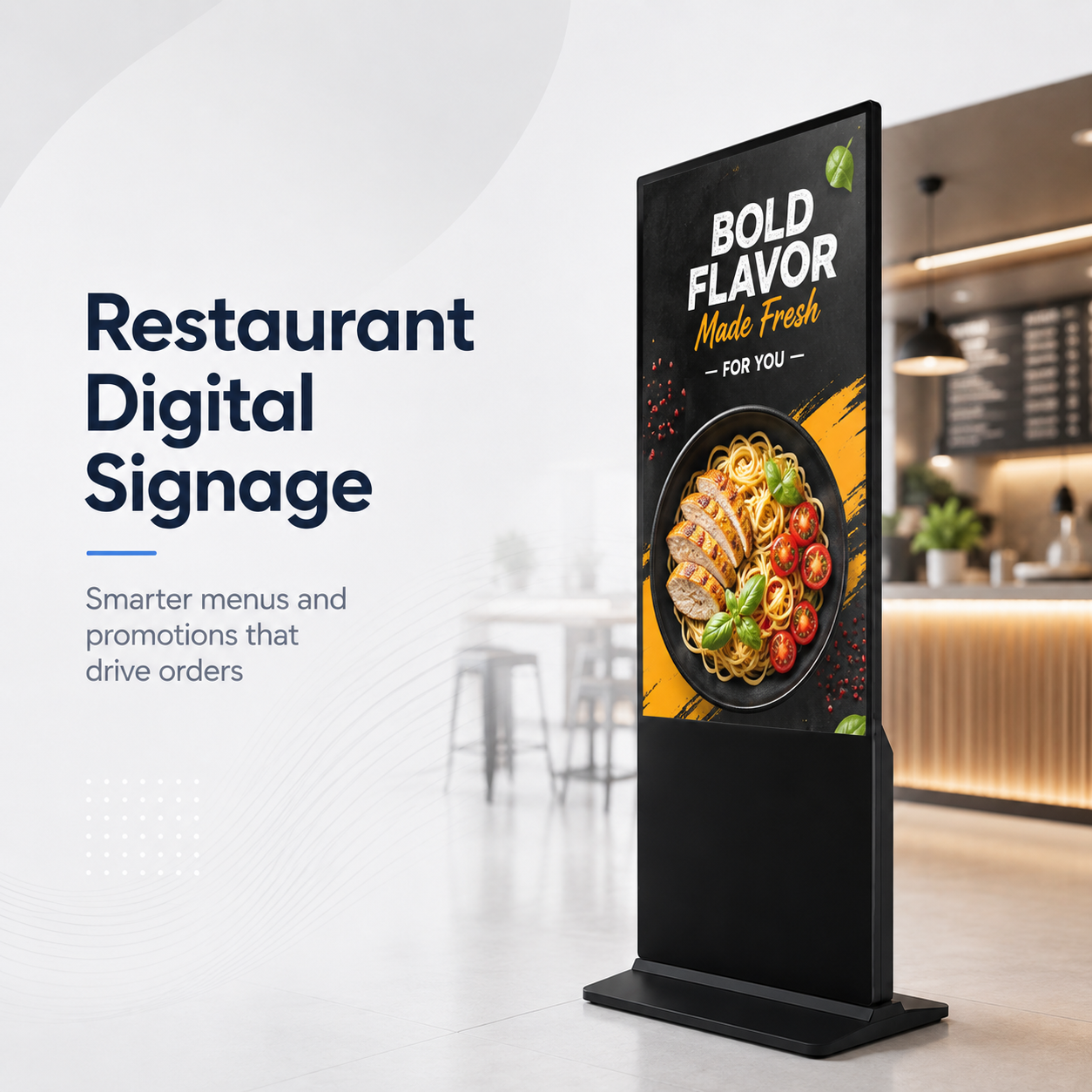
| QSR digital menu boards | 43"–65" landscape or portrait | Layered text + video, daypart switching | No offline cache means a blank menu at peak hour |
| Kiosk and self-service shells | 15.6"–32" touch | Touch + APK + peripherals on one board | Peripheral power budget and lock-task mode |
| Transport, hotel and corporate | Mixed large format | Stable OS, remote management at scale | Patch policy and OTA discipline across the fleet |
| Backpack and retrofit screens | 15.6"–32" | Compact board, fits behind existing fixtures | Clearance and cable routing in existing furniture |
Where our RK3566 signage hardware fits
LIONTEK / Wintouch builds commercial LCD signage and interactive hardware on this platform, so buyers can standardise on one SoC across very different formats instead of managing three firmware lines. Representative products in the range:
- High-brightness window displays — 43", 49", 55", 65" and 75" models built for street-facing sun exposure: 55" WT550HB, 43" WT430HB, 65" WT650HB.
- Stretched bar displays — 23.1" through 58.4" for shelf edges, aisles and transport: 37.1" WT371B, 47.1" WT471B.
- LCD backpack screens — retrofit displays from 15.6" to 32": 32" WT320BPS, 21.5" WT215BPS.
All of the above run Rockchip RK3566 quad-core 64-bit Cortex-A55 with 2 GB RAM (4 GB optional), 32 GB storage (64 GB optional), and Android 11 or Debian 11. As a manufacturer rather than a reseller, we take OEM/ODM projects across panel size and orientation, brightness and surface treatment, memory and storage configuration, enclosure, mounting, and board-level I/O and SDK access.
Before you order: ten PO lines
- SoC and RAM/ROM configuration, stated explicitly
- OS version plus a written patch-support window
- Codec and maximum concurrent video layers, tested against your real content
- Ethernet-primary, Wi-Fi-failover requirement
- Offline playback and local cache behaviour
- APK install and update method (sideload, MDM, OTA)
- Kiosk / lock-task mode for public-facing units
- Peripheral list, port count and power budget (payment, scanner, camera)
- Thermal design and duty rating for the install location
- Warranty terms tied to the stated duty rating
Bottom line
The RK3566 is not the fastest SoC on the market, and that is why it is everywhere in commercial display. It delivers fanless reliability, modern Android, mature CMS support and enough performance for the overwhelming majority of retail, QSR, transport and kiosk deployments — at a cost that scales to hundreds of screens. The failures buyers experience are almost never CPU-bound; they are brightness, thermal, connectivity and offline-behaviour decisions made too late.
Next step: send us your application, screen size, brightness target and content profile — including your real playlist format — and we will recommend the right RK3566 configuration, or tell you honestly when you need a higher-tier SoC. Request a quote, datasheet or sample.
Équipe d'ingénierie Wintouch
Our commercial-display engineers and product team review specifications against current factory records, deployment requirements and published standards. Learn more about our capacité d’ingénierie et activité de fabrication.
Poursuivre vos recherches
Product facts and engineering claims follow our data and editorial policy.
Une question sur votre déploiement ?
Partagez votre environnement, la taille d'écran et les exigences d'intégration avec notre équipe d'ingénierie.