
- Published
- Reading time
- 5 min read
2026 Digital Signage Trends: AI Content, Giant LED & Experiential (Buyer Guide)
2026 digital signage buying is being reshaped by three trends — AI-generated content, mega-scale LED and experiential displays (market ≈$31B in 2025 → ≈$58B by 2033). What each means for your specs, risk and ROI.
On this page
Quick answer. In 2026, digital signage buying is being reshaped by three trends: AI-generated content, mega-scale LED installations, and experiential/immersive displays. The global market is projected to grow from roughly $31 billion in 2025 to about $58 billion by 2033 — roughly an 8% CAGR (Grand View Research). For a B2B buyer the practical shift is that hardware and software are now purchased together: display choice increasingly depends on your content workflow and audience interaction, not just resolution. Retail leads adoption, and AI-personalized displays report engagement lifts of 20%+ over static screens.
Why this matters to your sourcing decision (not just the marketing department)
The headline market numbers hide the real change: the growth is not coming from buying more of the same screens. It is coming from three decisions buyers now have to make that they did not have to make three years ago — do I let software generate my content, do I go bigger/LED, and do I make the screen interactive? Each of these pulls different hardware, different vendors and different risk profiles. For retailers specifically, the shift is already commercial: retail media networks are turning store screens from a cost center into ad inventory. Understanding the three trends up front is what separates a deployable rollout from a shelf of expensive glass.
Trend 1 — AI-generated and dynamic content
Static playlists are dying. The leading 2026 adoption driver is AI that writes, resizes and schedules content in real time — pulling product feeds, live data, weather or foot-traffic signals and producing a new screen message every few seconds. Walmart's AI-driven signage, for example, reportedly lifted impulse purchases ~15% and engagement ~23% vs static displays, and roughly 45% of retailers plan AI-powered signage by 2026 (Channelplay). For a deeper retail view, see our AI-driven digital signage: 7 trends retail cannot ignore.
Buyer angle: this is the cheapest trend to adopt because it is mostly software — your existing panels usually suffice. Your procurement risk shifts to the media player and CMS layer: make sure the hardware you buy can run AI-capable players and a cloud CMS. Check CPU/RAM headroom, not just the panel spec. When personalization includes cameras or sensors, plan the privacy-safe computer-vision setup in the spec too.
Trend 2 — Mega-scale and fine-pitch LED
LED now owns the "wow" end of the market: video walls, façades, transit and smart-city installations where brightness, seamlessness and outdoor performance beat LCD. LED is typically ~64% of signage hardware revenue, and fine-pitch modules keep getting denser and cheaper, pushing LED down-market from flagship to mainstream lobbies and storefronts. If your project is outdoor or transit-facing, our outdoor LED procurement guide covers the brightness and pitch trade-offs.
Buyer angle: LED is the higher-CAPEX, higher-maintenance option. Choose it when ambient light is high, viewing distance is long, or the screen must be a destination. For indoor, close-up, always-on applications, LCD (often with touch) still wins on TCO and reliability. Do not let a flashy LED quote short-circuit a 24/7 duty-cycling comparison.
Trend 3 — Experiential and immersive displays
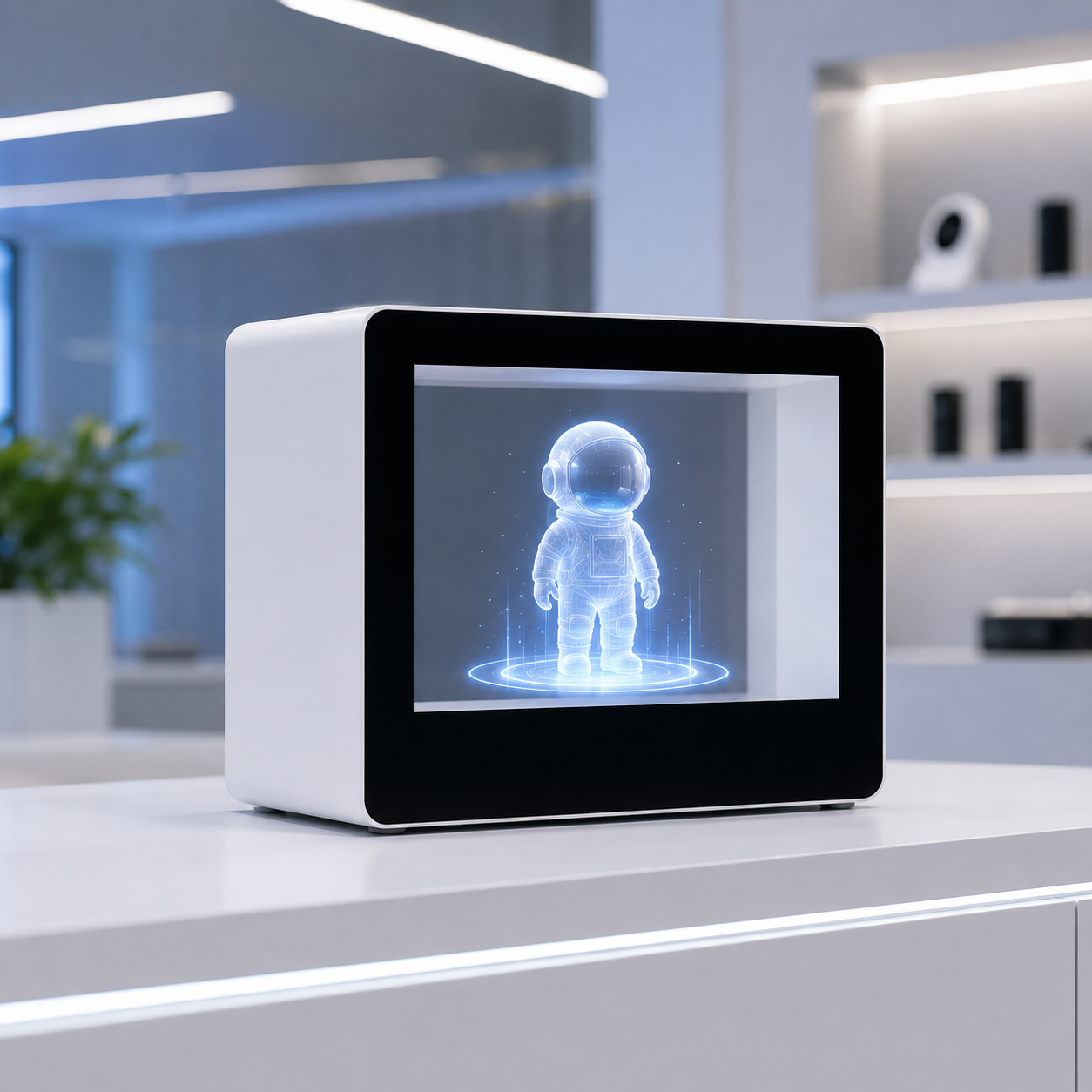
Digital signage is becoming an experience: interactive kiosks, AR/VR layers, gesture and touch, and DOOH that reacts to the person in front of it. This is where the screen stops being a broadcast and starts being a conversion tool — a menu, a wayfinder, a try-before-you-buy window. It pairs naturally with the AI-content trend above. Before committing, weigh the common sourcing mistakes in interactive kiosks.
Buyer angle: experiential means the display must have interactive capability (touch, sensors, computer vision) and the compute to run it. This is the trend with the most moving parts, so specify reliability and an industrial/commercial duty rating from day one — a consumer-grade panel will not survive continuous use. For physical form factors, a floor-standing kiosk buyer's guide helps lock down enclosure, cooling and ergonomics.
Which trend for which deployment — a comparison table
| Decision point | AI content | Giant LED | Experiential |
|---|---|---|---|
| Primary investment | Software / player | Hardware (CAPEX) | Hardware + compute |
| Best-fit venues | Retail, QSR, any networked screen | Lobbies, transit, outdoor, façades | Kiosks, showrooms, retail windows |
| Key specs to check | Player CPU/RAM, cloud CMS | Brightness, pixel pitch, cooling | Touch type, sensor/vision, duty rating |
| Relative cost | Low | High | Medium–high |
| Main risk | Locked-in CMS | Maintenance, power, heat | Software/UX complexity |
| Compliance to plan (EU/US) | Data privacy (content) | CE/FCC, energy | CE/FCC, safety, accessibility |
De-risking your 2026 signage rollout
- Buy hardware and software as one system. Confirm the panel and player/vendor work together before committing — mixed ecosystems are the #1 source of rollout failure, and integration rework typically eats 20–30% of the original budget.
- Spec for 24/7 duty. An always-on screen burns out a consumer display quickly: most consumer panels are rated for ~4 hours/day, while commercial signage is built for 18–24. Verify the panel's duty rating and cooling for your longest run-hours — see why the 24/7 duty rating pays for itself.
- Plan EU/US compliance early. CE/FCC certification and (for camera/AI features) data-privacy rules should be settled in the spec, not the delivery crate. For interactive kiosks, factor in ADA/WCAG accessibility from the start — retrofitting costs more than designing in.
- Start with one trend, not all three. Most rollouts overreach. AI content alone often delivers the fastest ROI; add experiential or LED in phase two once the first system is stable.
FAQ: common 2026 digital signage buying questions
Which 2026 trend should I invest in first?
Start with AI-generated content. It is mostly software on your existing panels, so it delivers the fastest ROI with the least CAPEX; add LED or experiential in a later phase.
Is LED always better than LCD for digital signage?
No. LED wins on brightness, seamlessness and outdoor performance at high ambient light and long viewing distance. For indoor, close-up, always-on use, LCD (often with touch) wins on TCO and reliability.
What specs matter most for AI-powered signage?
The media player's CPU/RAM headroom and a cloud CMS that supports dynamic content — not just the panel resolution. Confirm the panel and player work as one system before committing.
Do I need certification for digital signage?
In the EU and US, yes — CE, FCC, and (for interactive or camera/AI units) safety, accessibility and data-privacy compliance should be settled in the spec, not at delivery.
Next step: spec the display around your trend, not the other way round
Your 2026 signage decision should start with which trend you are deploying, then pick the panel and player that supports it. If you are evaluating AI-content players, touch-driven kiosks, or LED for your next project, tell us the venue, run-hours and expected content workflow and we will send a spec-matched datasheet with duty rating, OS and compliance included — typically within one business day.
Browse the overview of our digital signage display line, or compare the related posts below for deeper procurement checklists.
Wintouch Engineering Team
Our commercial-display engineers and product team review specifications against current factory records, deployment requirements and published standards. Learn more about our engineering capability and manufacturing operation.
Continue researching
Product facts and engineering claims follow our data and editorial policy.
Have a deployment question?
Share your environment, screen size and integration requirements with our engineering team.