Machine HMI or control cabinet
Start with: Panel-mount PCAP monitor with sealed front bezel.
Verify: Cut-out tolerance, grounding, glove operation and service access.

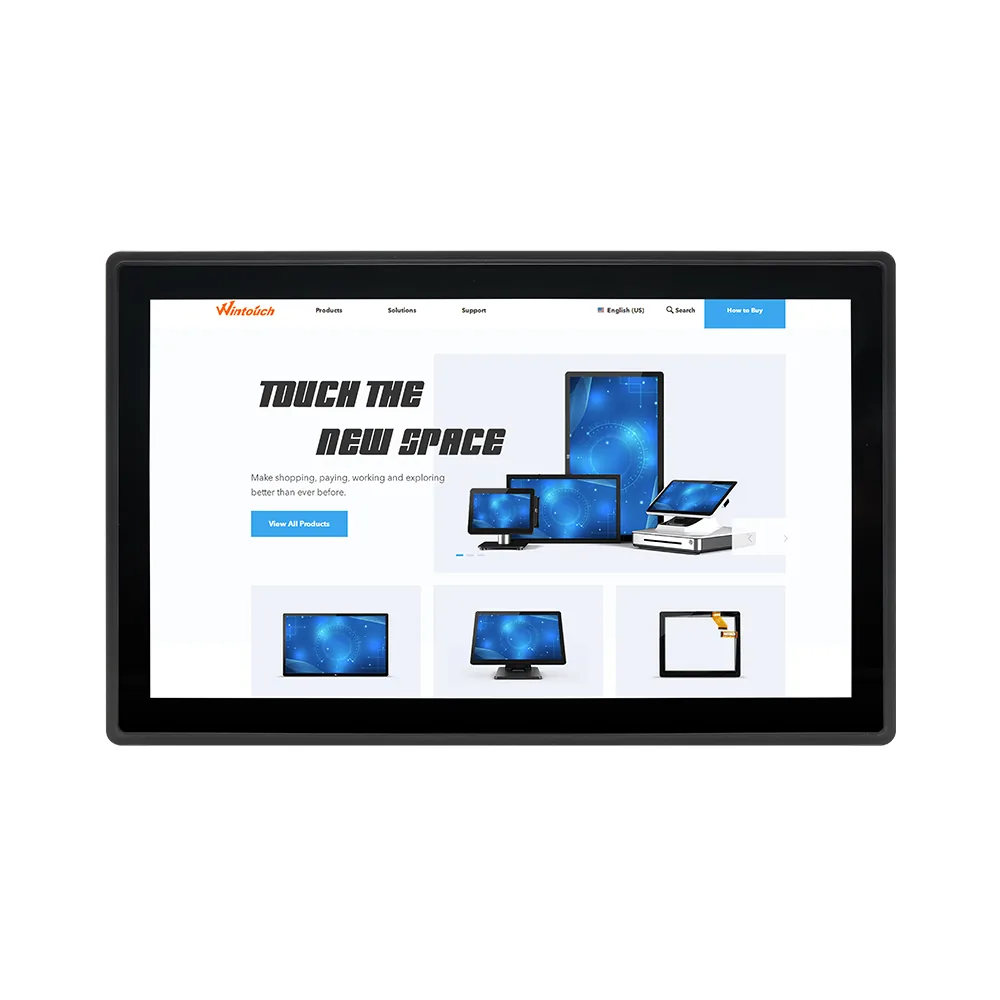
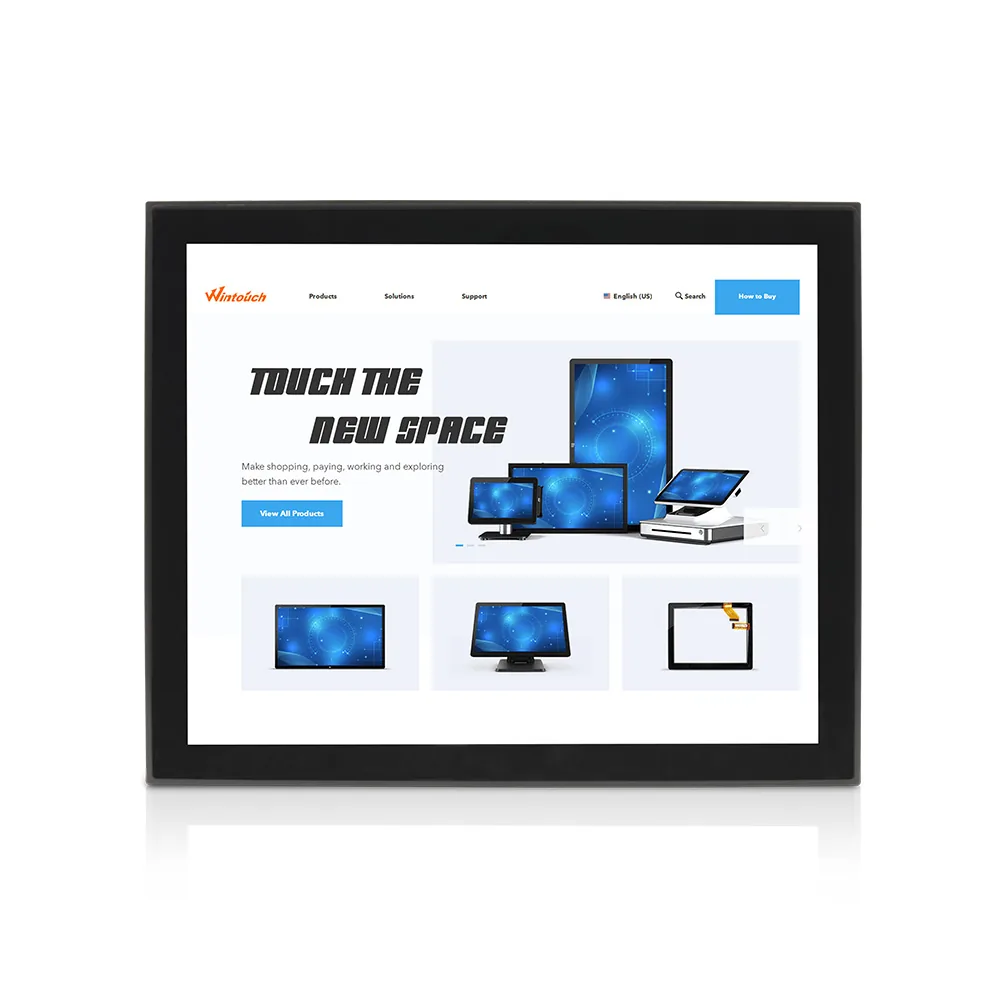
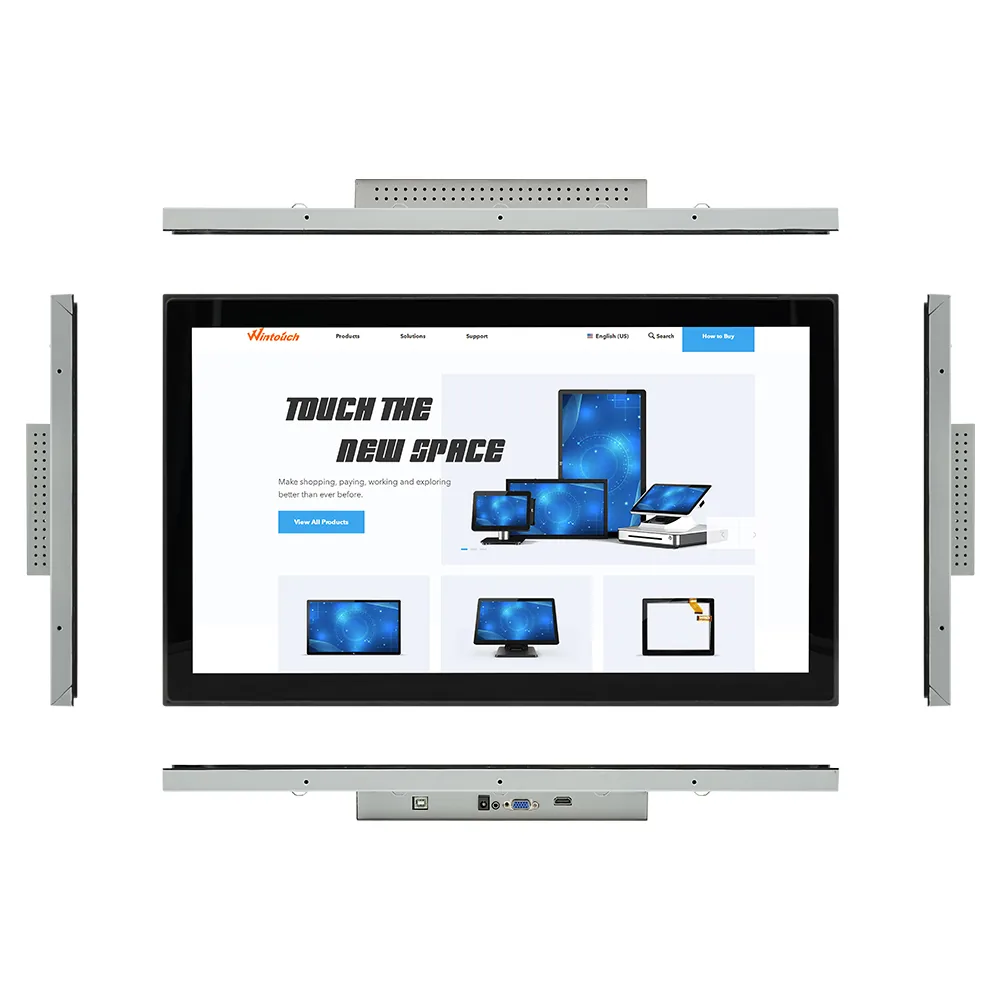
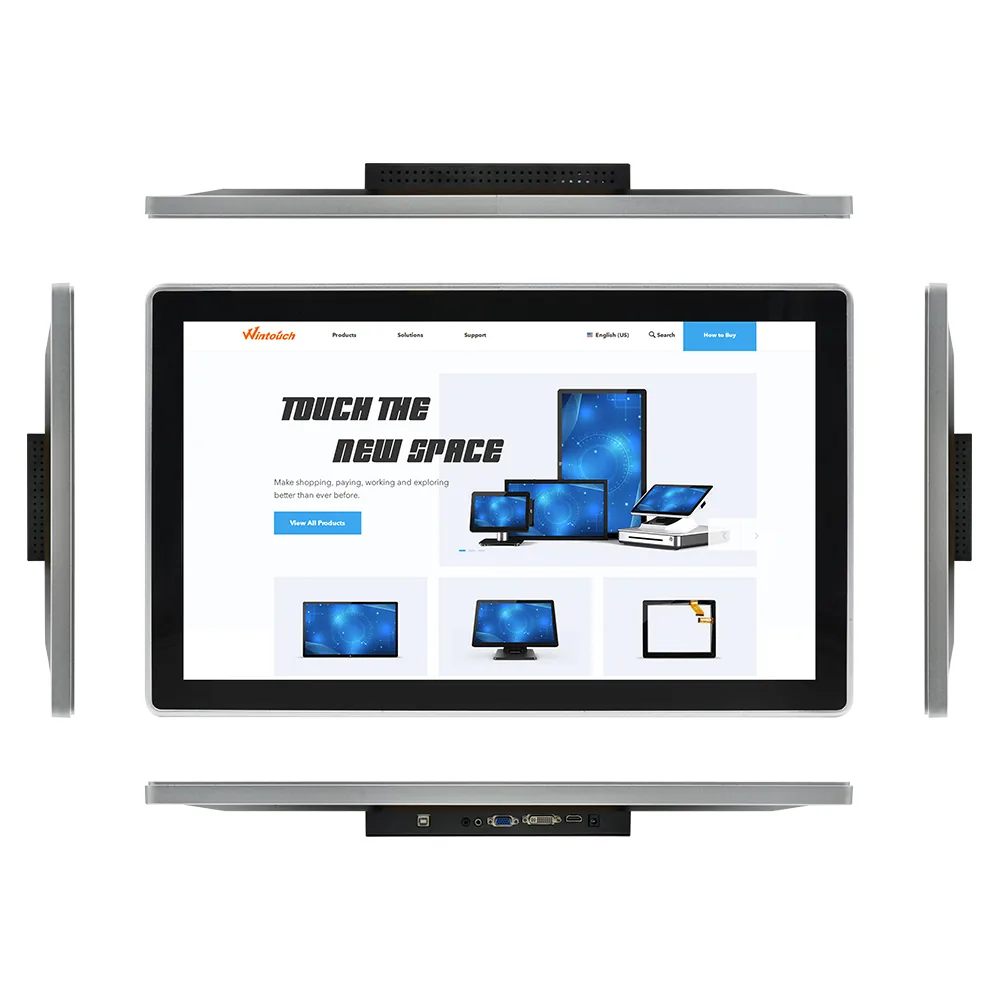
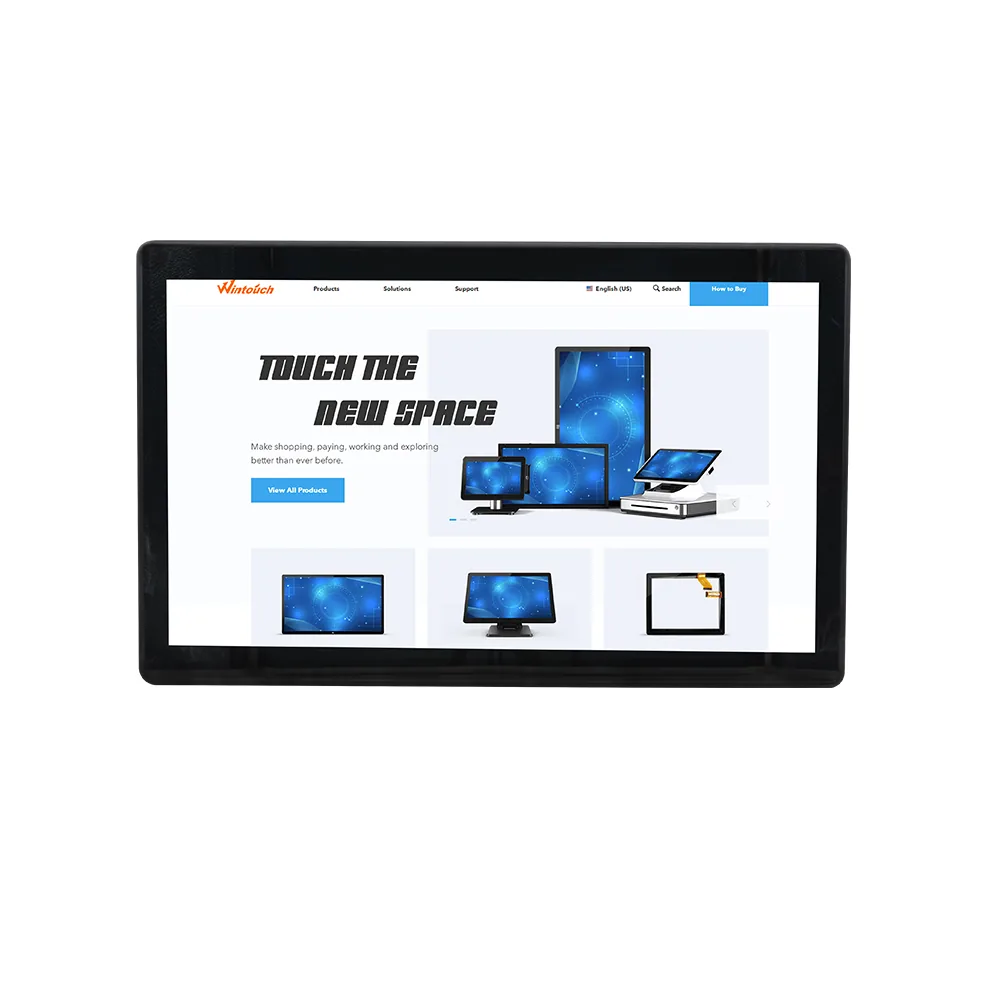
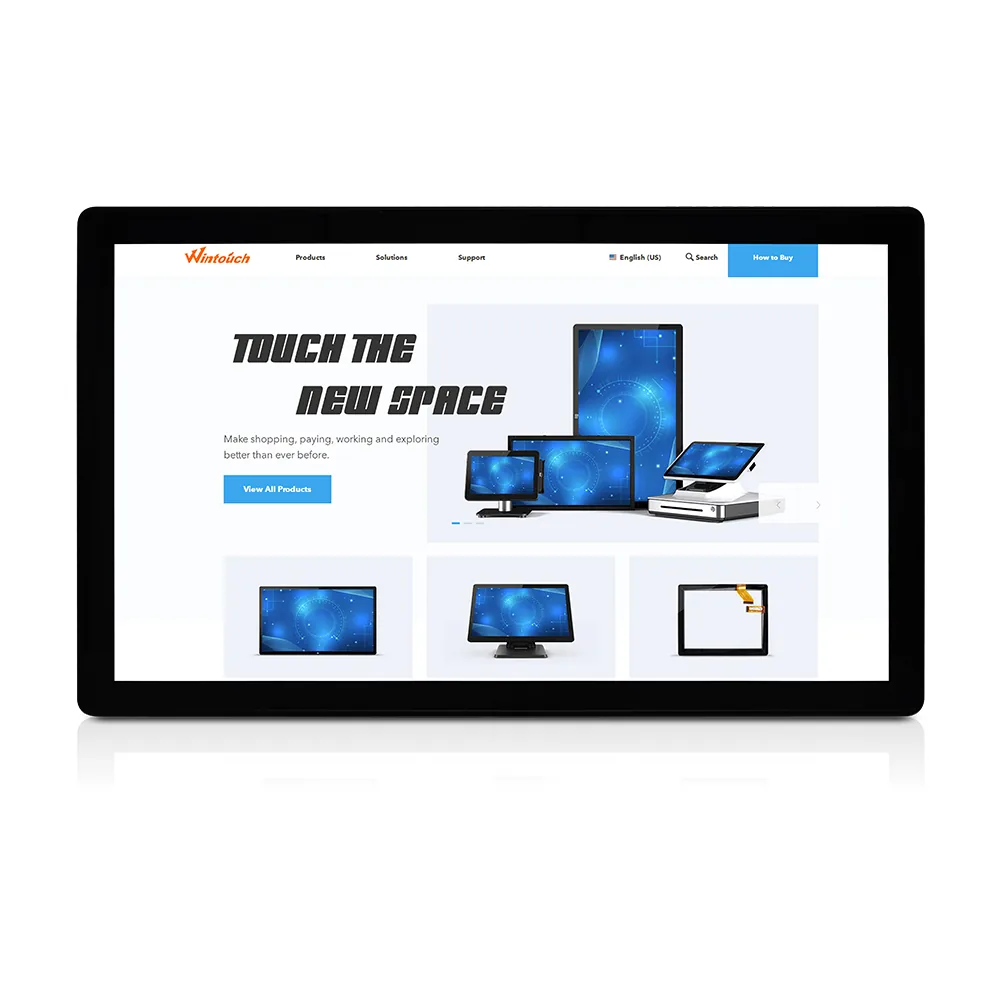
Wintouch capacitive touch monitors have a modern, sleek edge-to-edge glass front with an IP65 water- and dust-resistant front panel. The line supports 10-finger projected-capacitive touch, Mohs 7 cover glass, optional chemically etched anti-glare treatment and lockable USB-B, HDMI, DVI-D, VGA, audio and DC input connections. Every model uses an A+ industrial LCD panel with Wintouch's 100% no-pixel-error guarantee. Models from 13.3 to 21.5 inches include a desktop stand and rear VESA mounting patterns.
These monitors suit POS systems, industrial control panels, kiosk systems, office and residential automation, digital signage, shopping centres, classrooms, hotels and other commercial installations.
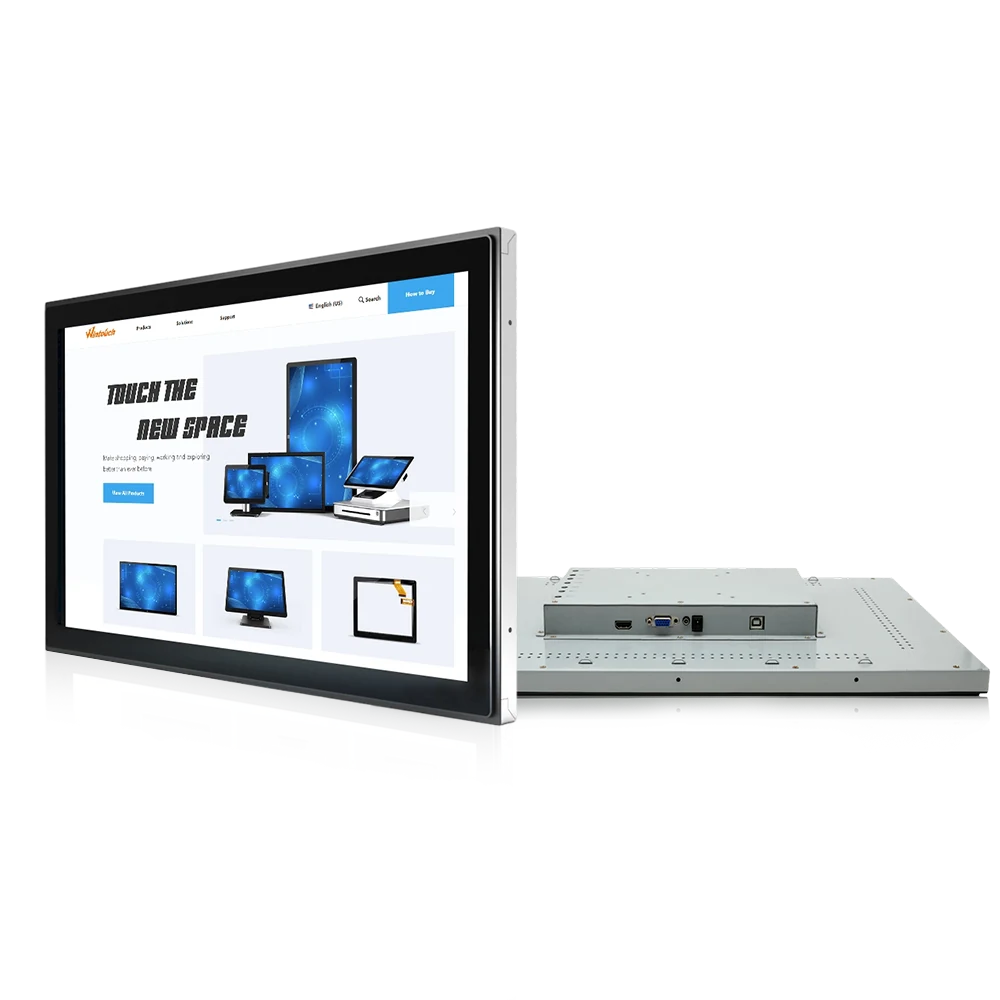
Models in this line
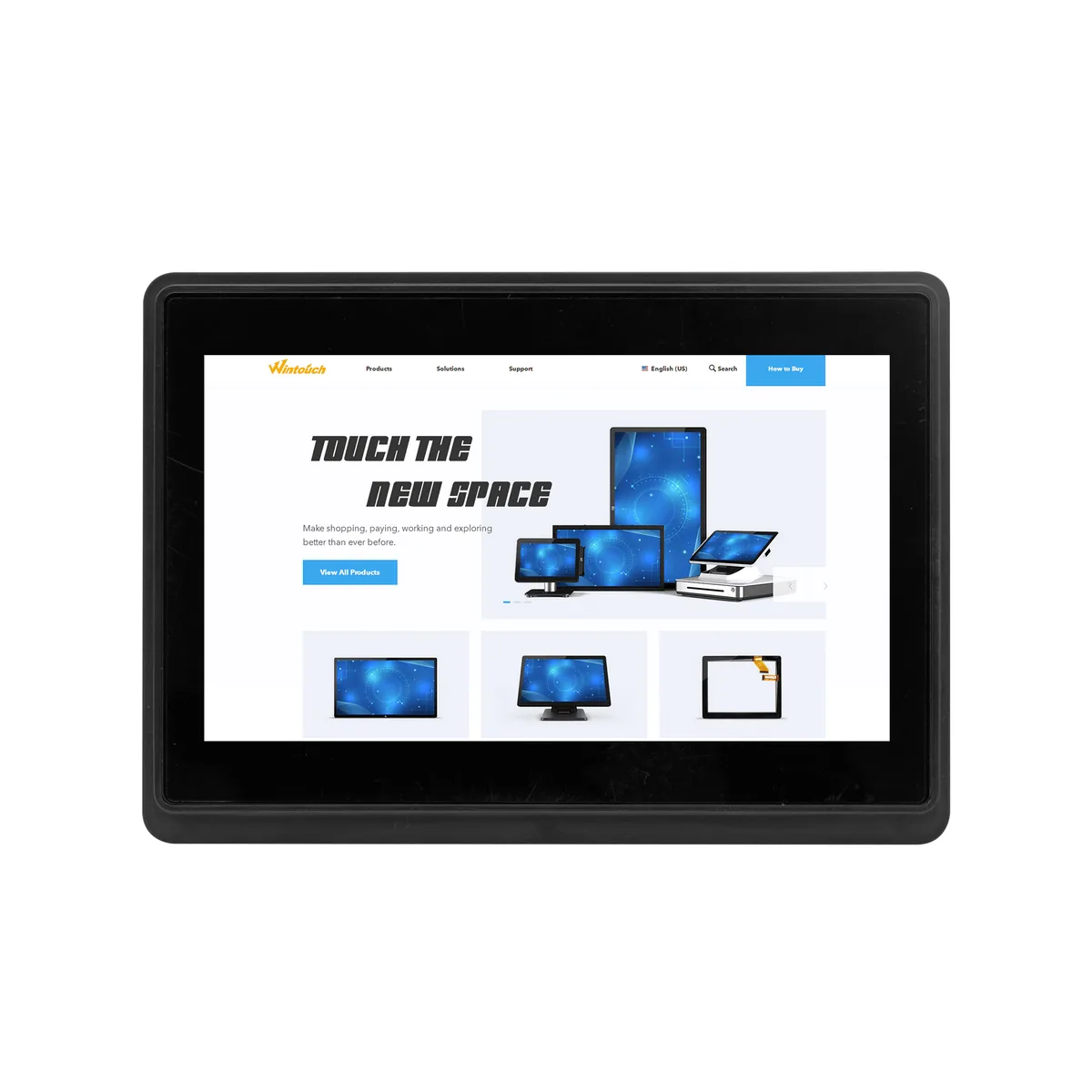

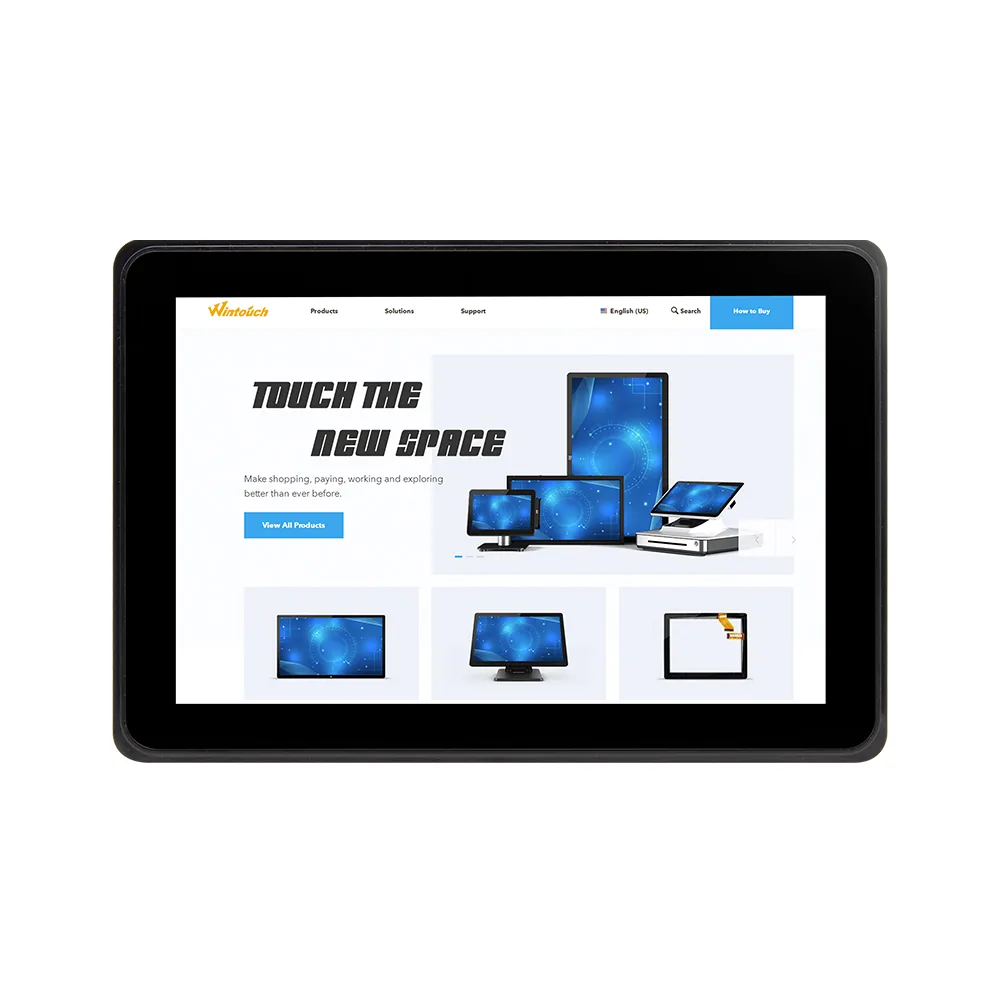

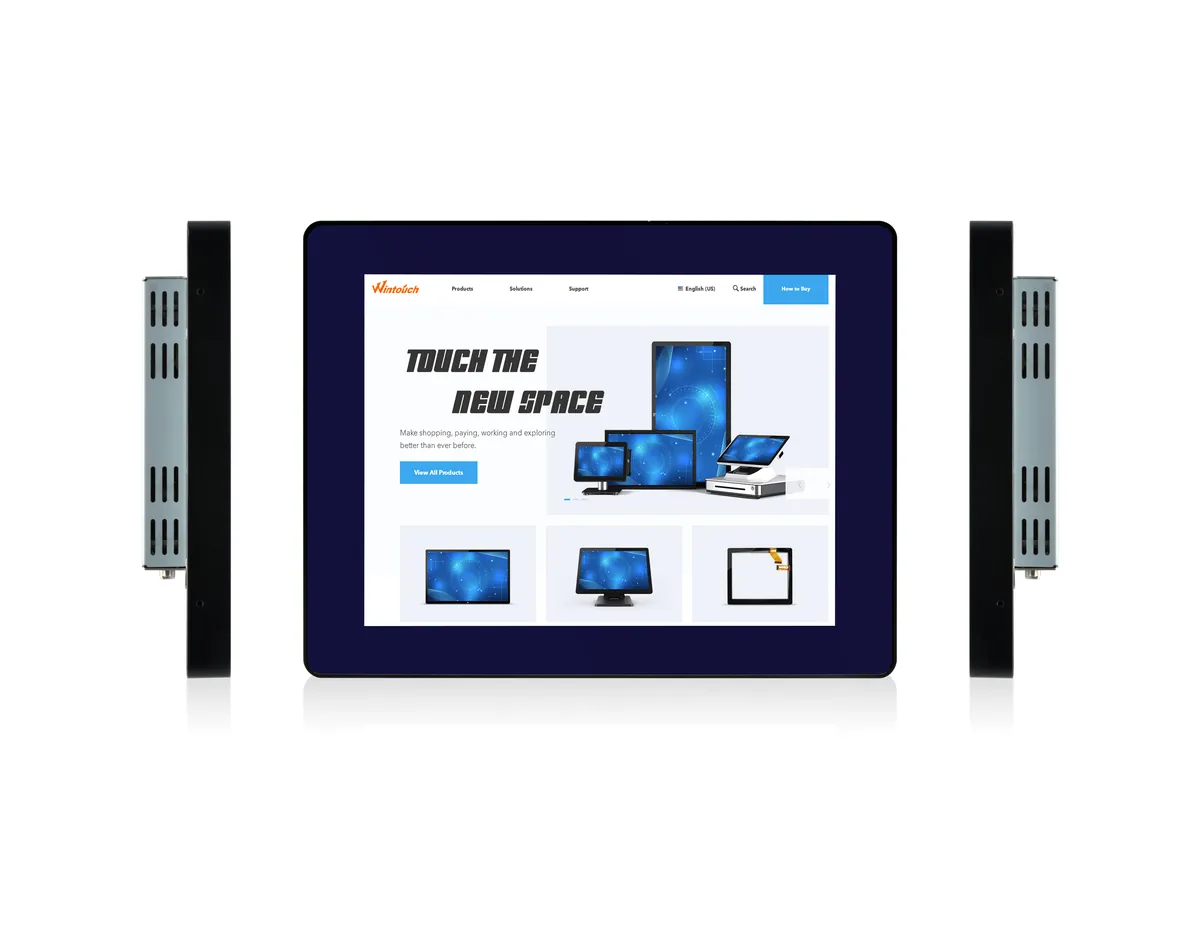
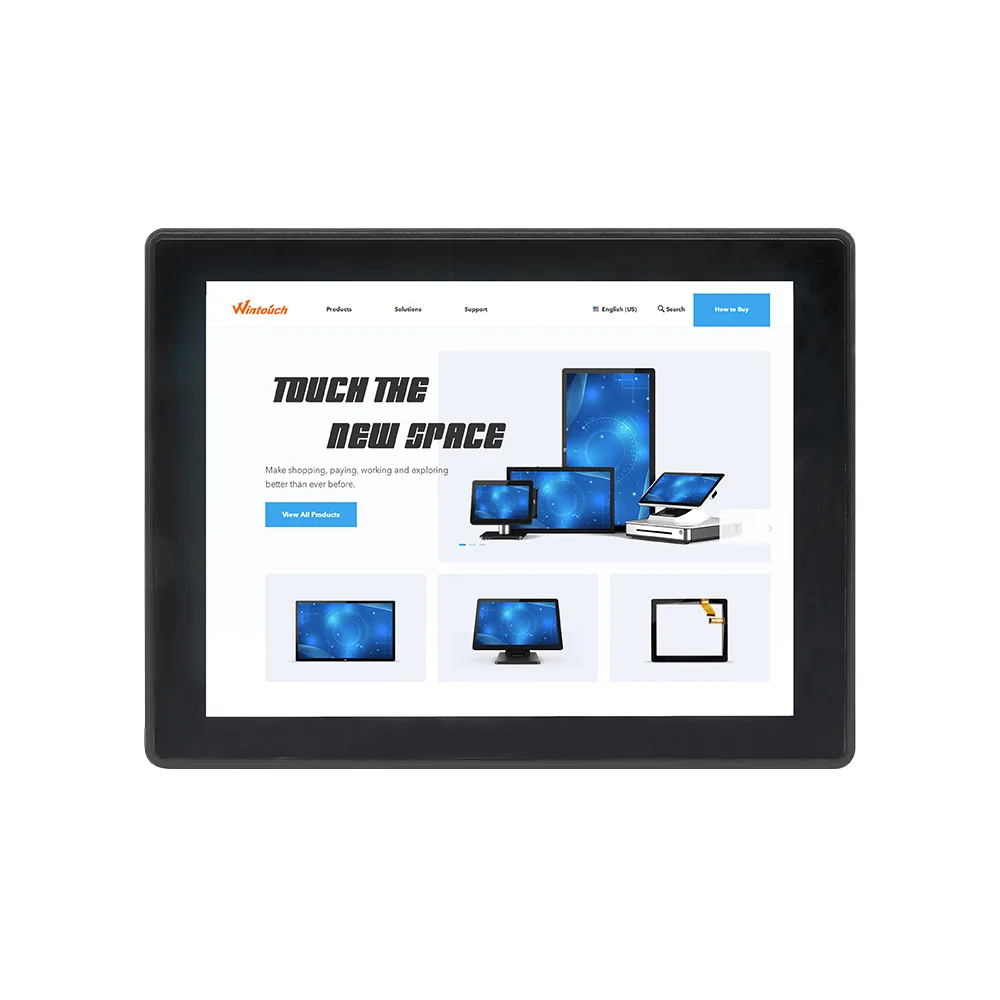
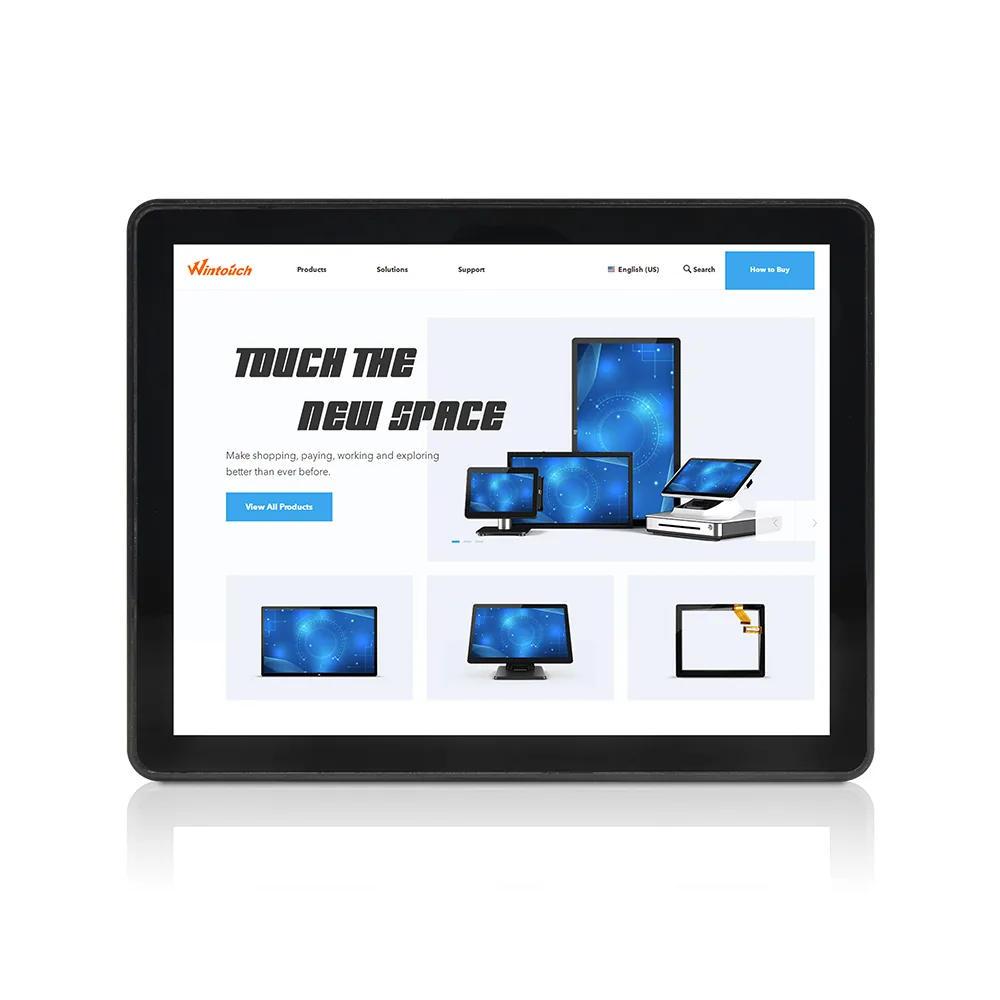
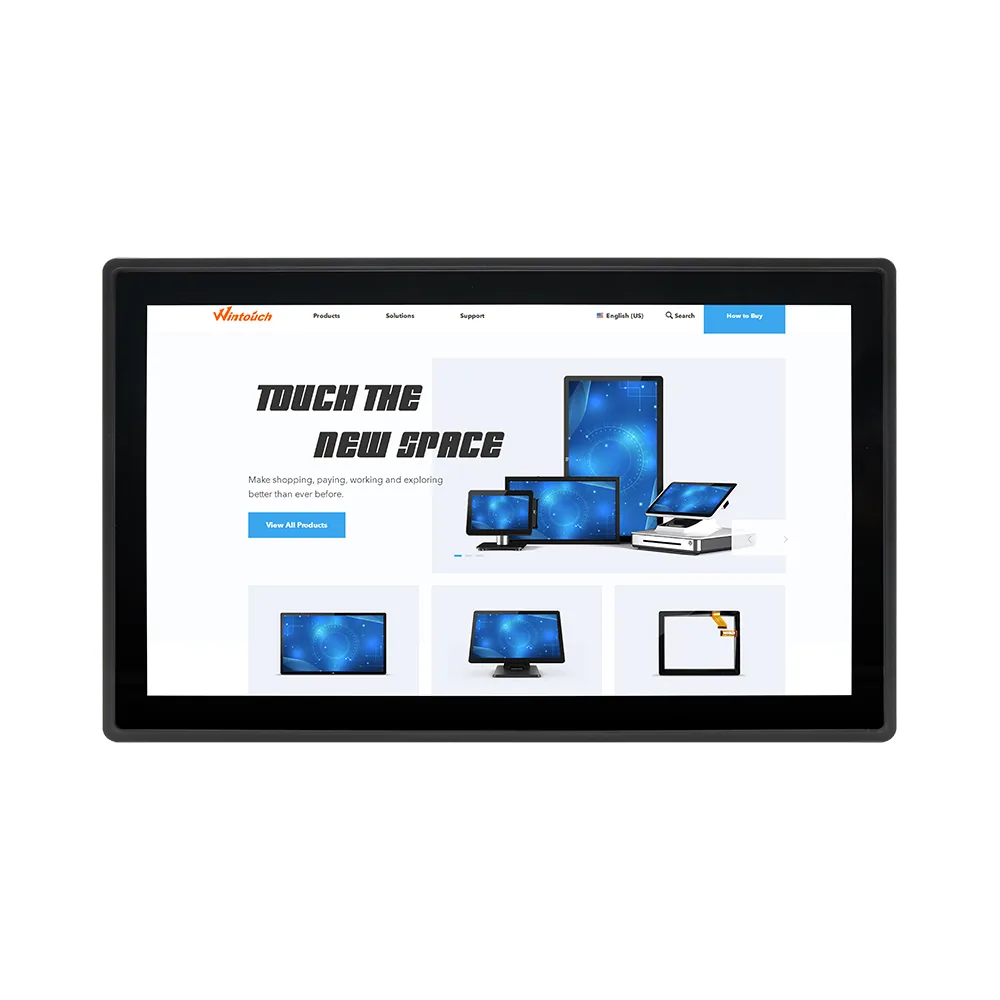
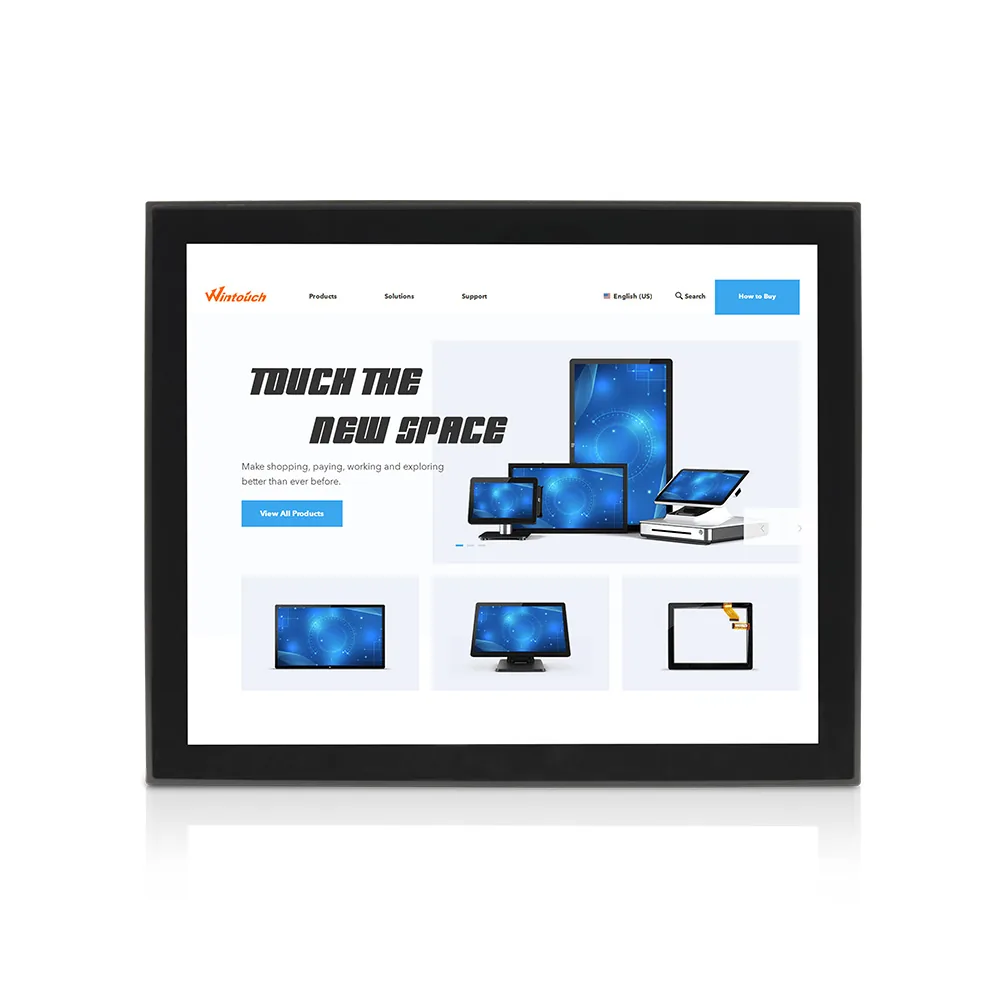

Buyer specification guide
Use deployment conditions and integration requirements to narrow the product line before comparing unit price.
Select an industrial touch monitor from the machine interface outward: confirm the panel cut-out, active area, host video signal and touch-controller compatibility before comparing processor or cosmetic options. For exposed operator panels, specify the required front IP rating, brightness and operating temperature in the same acceptance document.
Current comparison points: Sizes: 7"-43"; Brightness: 350-1000 nits; Protection: IP65 front; Touch: 10-point PCAP. Validate the shortlisted configuration with the actual content, mounting method and ambient conditions before volume production.
Select an industrial touch monitor from the machine interface outward: confirm the panel cut-out, active area, host video signal and touch-controller compatibility before comparing processor or cosmetic options. For exposed operator panels, specify the required front IP rating, brightness and operating temperature in the same acceptance document. The current line should be compared on Sizes: 7"-43"; Brightness: 350-1000 nits; Protection: IP65 front; Touch: 10-point PCAP.
The current Industrial Monitor line covers 7"-43". Confirm the exact active area, outer dimensions and mounting drawing for the selected model before ordering.
Yes. Wintouch can review enclosure, logo, colour, I/O, firmware, touch, brightness, packaging and certification requirements. A production-equivalent sample should be approved before volume manufacture.
Procurement checklist
Select an industrial touch monitor from the machine interface outward: confirm the panel cut-out, active area, host video signal and touch-controller compatibility before comparing processor or cosmetic options. For exposed operator panels, specify the required front IP rating, brightness and operating temperature in the same acceptance document.
Approve the outer dimensions, cut-out, VESA or panel-mount drawing and connector clearance.
A small enclosure or connector-position change can force expensive cabinet rework.
Use PCAP for sealed glass and multi-touch; test gloves, water and the target operating system.
Touch-point count alone does not prove reliable use in the real operator environment.
Match luminance, anti-glare treatment and optional optical bonding to the measured light level.
Reflections and the air gap can reduce usable contrast before nominal brightness becomes the limiting factor.
Lock HDMI/VGA/DP, USB touch, grounding and power-input requirements before sample approval.
Industrial hosts often have long lifecycle or legacy interfaces that cannot be changed after installation.
Start with: Panel-mount PCAP monitor with sealed front bezel.
Verify: Cut-out tolerance, grounding, glove operation and service access.
Start with: High-bright option with optical bonding and wide-temperature components.
Verify: Solar load, condensation, UV exposure and back-enclosure sealing.
Start with: Open-frame display configured around the customer host and compliance plan.
Verify: Cleaning agents, EMC scope, supply lifecycle and traceability.