
- Published
- Reading time
- 6 min read
Android Digital Signage: Why Android Is Popular in Commercial Display Applications
Why Android dominates commercial digital signage: SoC, RAM/ROM sizing, Wi-Fi and networking, CMS choice, APK sideloading, remote management (MDM/OTA) and OEM customization — plus a spec and PO checklist for buyers.
On this page
Quick answer: Android is the default OS for commercial digital signage because it turns a display into a self-contained media player — no external PC, no HDMI run. A typical Android signage board pairs a Rockchip RK3566-class quad-core SoC with 2–4 GB RAM and 32–64 GB storage, joins Wi-Fi or Ethernet, and runs either a third-party CMS app or your own APK. It is open enough to sideload and customize, cheap enough to scale to thousands of screens, and manageable remotely over the air. The trade-off is that you must lock down the Android version, the update policy and the CMS before you buy — not after the rollout.
Why Android won in commercial display
Signage is a long-duty-cycle, low-interaction workload: play video, rotate a playlist, occasionally talk to a server. Android SoCs are optimized for exactly that — always-on, hardware video decode, low power, low unit cost. Three consequences drive adoption:
- Integrated, not tethered. The player sits on the display's own board (high-brightness window displays such as the 55" WT550HB ship with the compute built in), so there is no PC, no media-player box and no HDMI cable to fail on the wall.
- Open APK deployment. You can install a commercial CMS client or your own branded application. This is the single biggest difference from locked, proprietary signage players.
- Scale economics. The same platform standardizes across 21" to 75" sizes, so procurement, spares and remote management stay uniform across an entire estate.
Android signage hardware: what is actually inside
Most commercial-grade Android signage is built around a Rockchip (or Allwinner / Amlogic) SoC. The spec below reflects how our own Android models — floor-standing displays such as the 55" FS550DS and the 37.1" WT371B stretched bar display — are configured. Confirm your vendor's actual figures; "Android 11" alone says nothing about RAM.
| Component | Typical commercial spec | Buyer question |
|---|---|---|
| CPU / SoC | Rockchip RK3566, quad-core 64-bit Cortex-A55 | Is the SoC rated for 24/7 operation, not just consumer duty? |
| RAM | 2 GB standard, 4 GB optional | Does your CMS or local media cache need 4 GB? 2 GB is fine for playlist video, tight for heavy web apps. |
| Storage (ROM) | 32 GB standard, 64 GB optional | Where is local content cached, and what happens when storage fills? |
| OS | Android 11, or Debian 11 on the same board | What is the Android security-patch commitment? See update policy below. |
| Network | Wi-Fi + Ethernet, optional 4G | Is wired Ethernet available for the fixed-install units? |
RAM and ROM: the sizing decision buyers get wrong
RAM and storage are the two specs most often underspecified, and they surface as problems only after deployment:
- 2 GB RAM handles a straightforward video playlist and a lightweight CMS client. It becomes a bottleneck the moment you run a heavy web-based CMS, a browser-driven menu board, or several background services.
- 4 GB RAM is the safer default for interactive kiosks, dashboards and any HTML/WebGL content.
- 32 GB storage is ample for compressed video schedules. If you cache large 4K libraries locally or run a video wall with offline fallback, specify 64 GB.
The practical rule: size RAM and ROM to your content plan, not to the price list. Upgrading at order time is cheap; retrofitting a deployed fleet is not.
Wi-Fi, networking and what happens when the network drops
Network design fails rollouts more often than hardware does. Two requirements matter:
- Wired where possible. Fixed installations (menu boards, window displays, wayfinding totems) should use Ethernet for reliability and to avoid Wi-Fi congestion in dense retail and transport environments.
- Offline-first playback. Every Android signage player should cache its playlist locally and keep playing when the CMS is unreachable. Confirm the local-cache behaviour and the fallback in writing — a blank screen during a network outage is the number-one visible failure in the field.
CMS and APK installation
Android signage runs content one of two ways. Choose deliberately:
| Approach | Best for | Watch out for |
|---|---|---|
| Third-party CMS client (installed as an APK) | Standard scheduling, playlists, multi-site content | Confirm the CMS officially supports your Android version and SoC. |
| Your own branded APK | Custom kiosk apps, proprietary UX, owned data | You own the update cycle — plan an OTA path from day one. |
The Android advantage is that both are possible on the same hardware. The requirement is to decide which before you order, because kiosk-mode lockdown, licence terms and storage sizing differ between them.
Remote management: OTA, MDM and kiosk mode
At fleet scale, the OS matters far less than how you manage it. What to insist on before purchase:
- Kiosk / lock-task mode so the device boots straight into your content and users cannot exit it.
- Remote app and OTA update — you must be able to push a fix without sending a technician to every site.
- A documented Android security-update policy. Android 11 is a stable, widely-supported signage baseline; ask how long it will receive patches, and what the migration path is.
- Device telemetry — online/offline status, storage, temperature and playback confirmation.
Customization: what a manufacturer can actually change
This is where an OEM/ODM manufacturer differs from a box reseller. On an Android signage platform, customization typically covers:
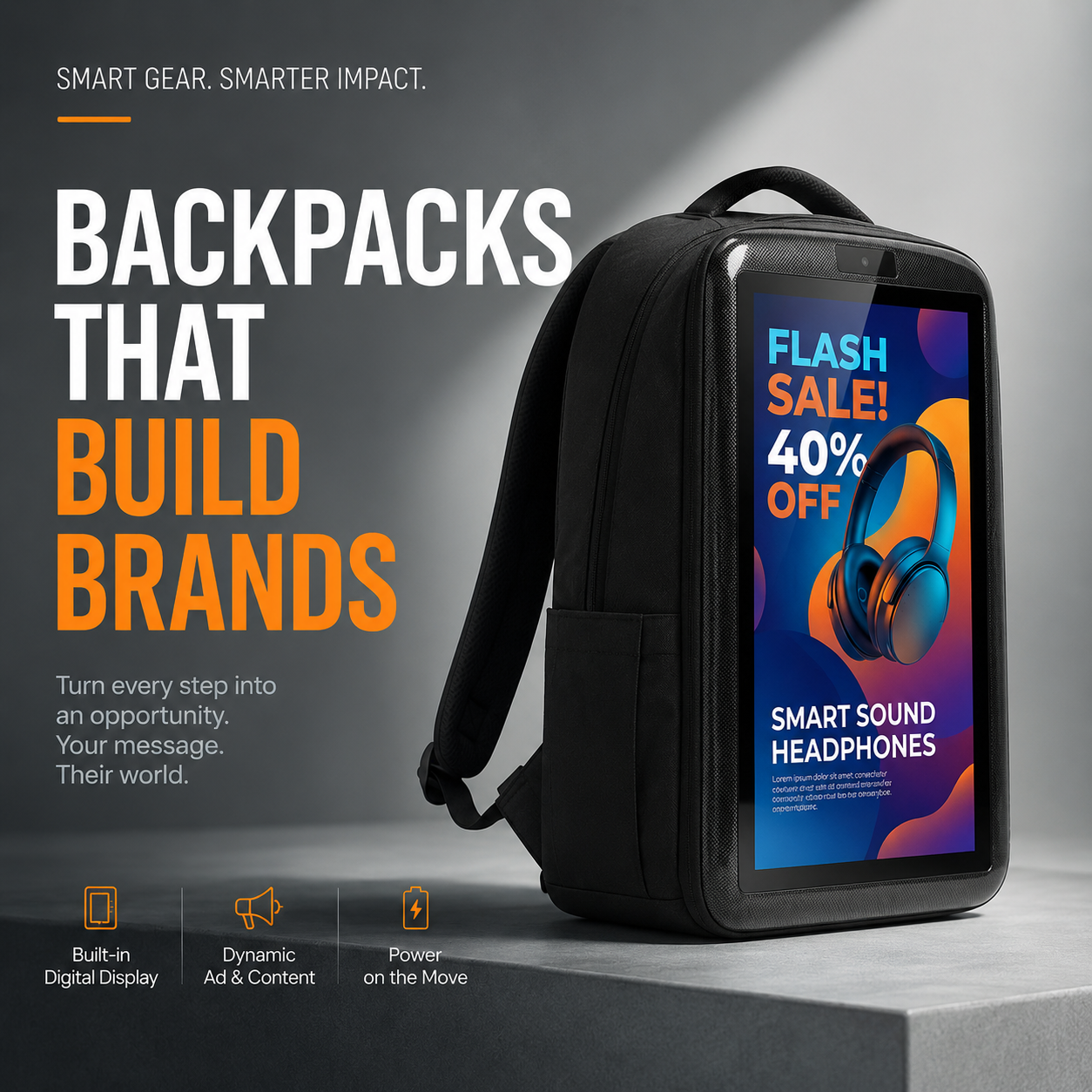
- Panel and size — 21" to 75" standard, plus stretched-bar and non-16:9 formats. Our 32" WT320BPS LCD backpack screen is an example of an application-specific form factor built on the same Android board.
- Brightness and surface treatment — indoor 350–500 nits, window-facing 1,500–5,000 nits with anti-glare or anti-reflective glass, as on the 43" WT430HB window display.
- Compute configuration — RAM/ROM, Wi-Fi vs 4G, OS image (Android or Debian on the same hardware).
- Enclosure, mounting and branding — wall-mount, floor-standing, totem, VESA pattern, colour and logo.
- Board-level access — GPIO, USB peripherals, camera, payment or scanner integration, with an SDK or root access where the project requires it.
Ask for the customization boundaries in writing. Some vendors will change the badge; a manufacturer will change the spec.
Android digital signage — spec and PO checklist
- SoC and duty rating (state 24/7 explicitly).
- RAM and storage sized to the CMS and content plan.
- Android version and security-update commitment.
- CMS compatibility confirmed by the CMS vendor, or your own APK deployment path.
- Networking: Ethernet standard on fixed units; Wi-Fi/4G options confirmed.
- Offline playback and local-cache behaviour in writing.
- Kiosk / lock-task mode and remote OTA update capability.
- Panel brightness and surface treatment matched to the mounting location.
- Thermal design for the ambient temperature of the install, not the showroom.
- Warranty terms tied to duty cycle; spare parts and firmware support window.
How LIONTEK (Wintouch) approaches Android signage
We are a manufacturer of commercial LCD digital signage and interactive display hardware, supplying distributors, integrators and brands on an OEM/ODM basis. Our Android product line — from floor-standing displays such as the 65" FS650DS to high-brightness window units and stretched bar displays — shares a common Android platform so content and management stay consistent across an estate. Because we build the hardware, we can adjust panel, brightness, compute, enclosure and mounting to the application rather than to the box.
Bottom line
Android is popular in commercial display because it merges the player and the panel, deploys through open APKs, and scales affordably to large fleets. The buying decision is not "Android or not" — it is which SoC, how much RAM and ROM, which OS-support window, which CMS, and how you will manage and update thousands of devices remotely. Settle those before purchase and Android signage is the lowest-friction platform available.
Next step: tell us your size, mounting location, brightness requirement and CMS, and we will recommend the right Android configuration — or quote an OEM/ODM build. Request a quote or sample →
Wintouch Engineering Team
Our commercial-display engineers and product team review specifications against current factory records, deployment requirements and published standards. Learn more about our engineering capability and manufacturing operation.
Continue researching
Product facts and engineering claims follow our data and editorial policy.
Have a deployment question?
Share your environment, screen size and integration requirements with our engineering team.